Capstone - Week Four
Week Update
This week I created a VM using an image of Ubuntu 24.04 for use on my system. I found that the SO-101 tutorial that I am currently working on does not have compatibility with Windows OS for the downloading of models and building of docker containers required for the execution of this project. I may consider switching to using Ubuntu 24.04 natively if this option does not work or crashes. This option did not work.
I have installed Ubuntu 24.04 to run natively on my computer. All project outcomes that are produced on this OS will be saved onto an external 1TB drive. I moved to Ubuntu as it has been tested by the creators of the tutorial in Ubuntu on a 4080 graphics card This option also did not work. When trying to open the tutorial file with the digital twin and arm, the scene would open properly however whenever I tried to click into the window the application would crash immediately.
Assuming that it was an issue with the graphics driver since the crashing occurs when attempting to move the camera and thus causing the shaders to move, I reverted the Nvidia graphics driver on my OS to version 580 as this is what isaac sim 5.1 is compatible with. This did not work either. With some searching I found that the model of isaac sim that is used for this tutorial (version 5.1) does not have an update that allows it to work with any RTX graphic driver above the 40 series. With my graphics card being a 5080 there not a patch from Nvidia has come out in which my graphics card can work with the version used in this tutorial.
I have moved back to windows. I am able to now open Isaac sim in version 6.0 on my windows OS, however I am only able to open the application as a new scene. Any attempts to open the tutorial’s digital twin in the application causes it to crash before opening. I have located the .usd file used by the tutorial, specifically of the robotic arm. I will be attempting to import this independently into an empty scene to see if this might work as an option to still use this hardware configuration or attempt to complete the tutorial but in version 6.
I was able to import the robotic arm .usd file into the scene, however trying to import the light box seems to be deleting the arm from the scene. This occurs when dragging a .usd file from a file explorer, the cause is that the new file being dragged into the scene results in a new scene being made entirely instead of adding a new object into an existing scene.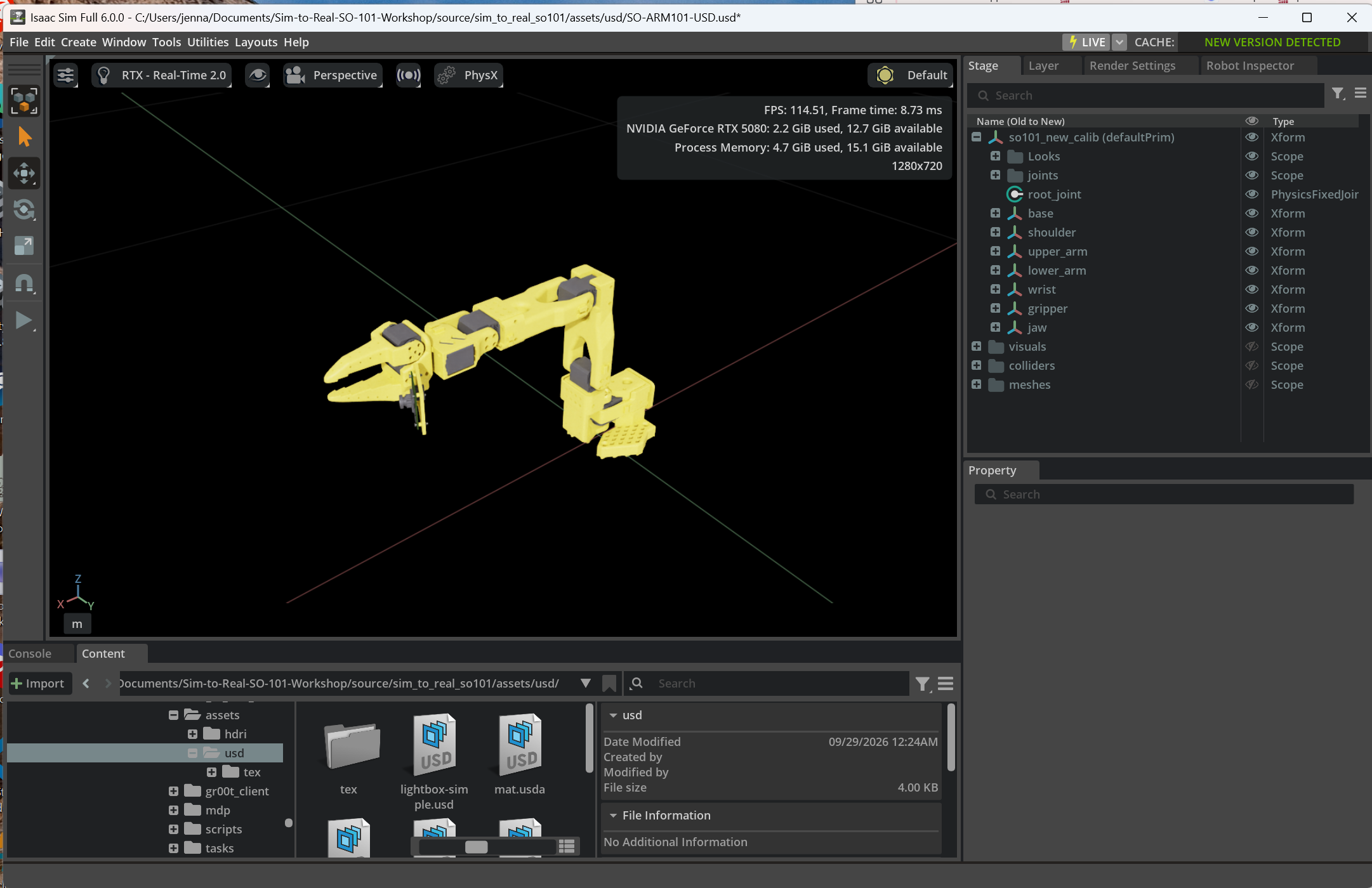
I was able to import a few more of the included downloaded items such as the vial, rack and surface mat. I did this by adding objects through the content window within Isaac Sim. Once I placed a new .usd arm into an empty scene from my file explorer, the content window automatically updated to the file containing all .usd and .usda files that I downloaded from the tutorial. Dragging objects from the content window stops the issue of a new scene being made and instead adds objects to the existing scene.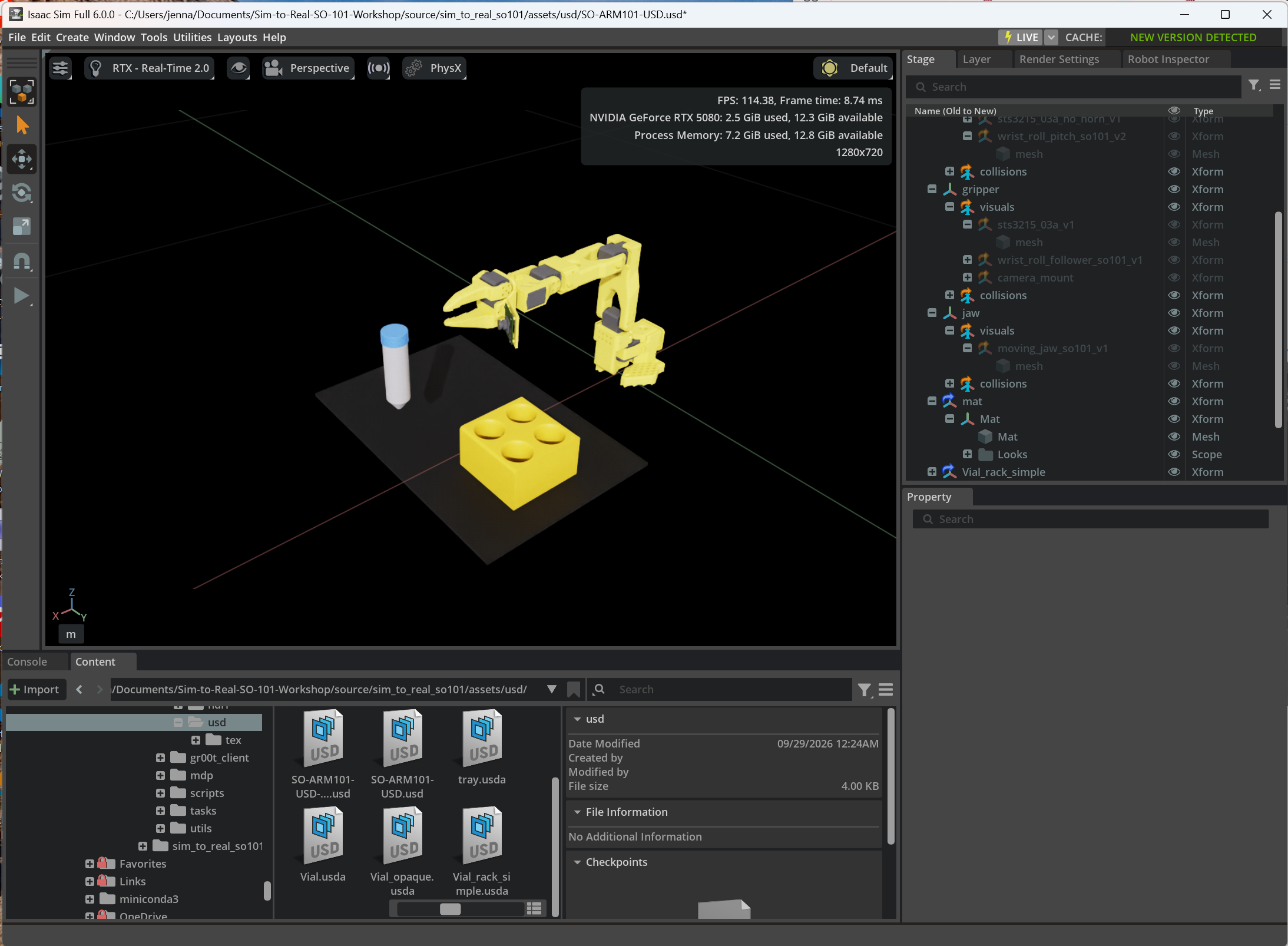
The light box has been successfully imported into the scene. This completes the importing of unique items into the scene from the files downloaded from the tutorial.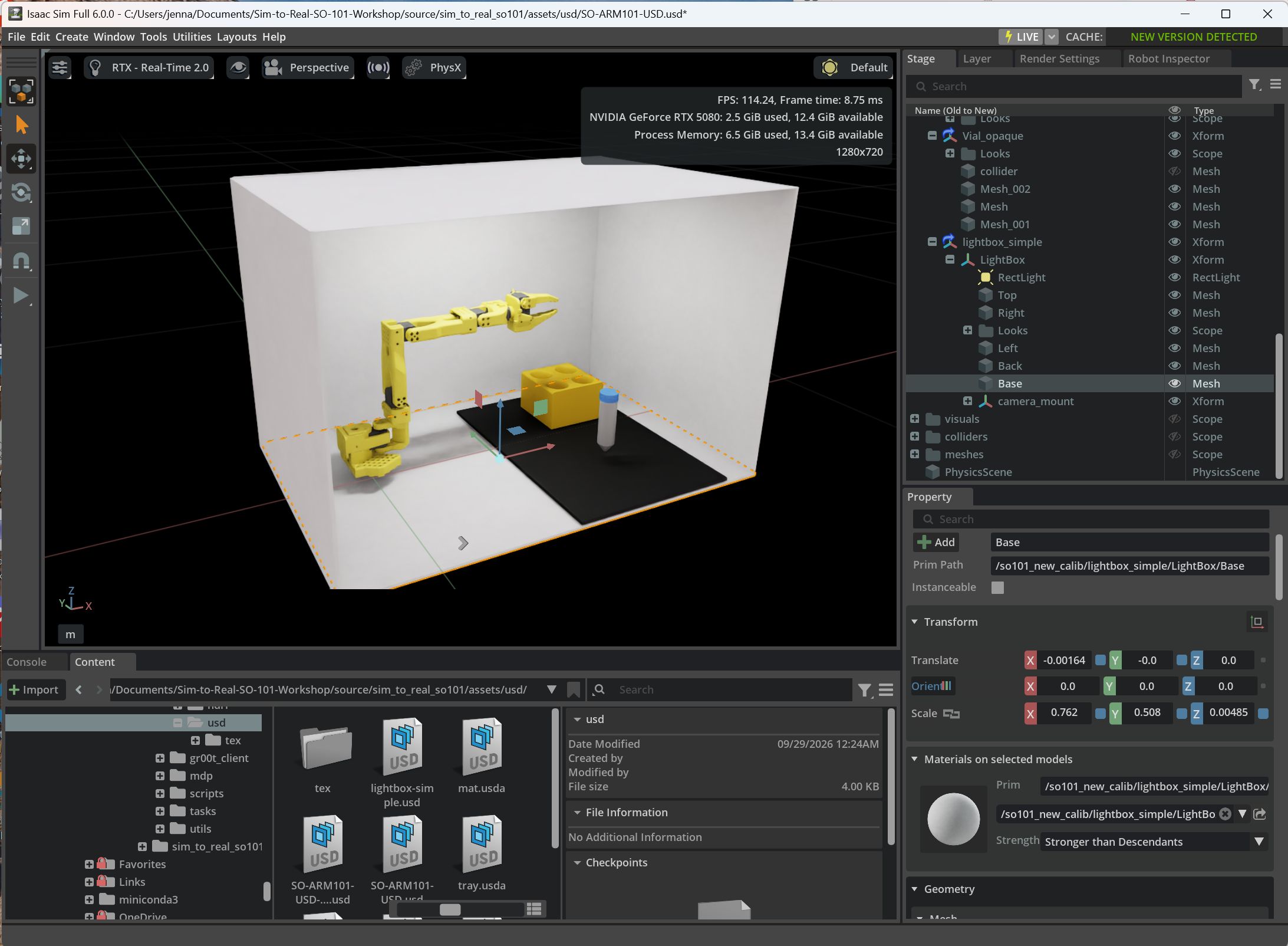
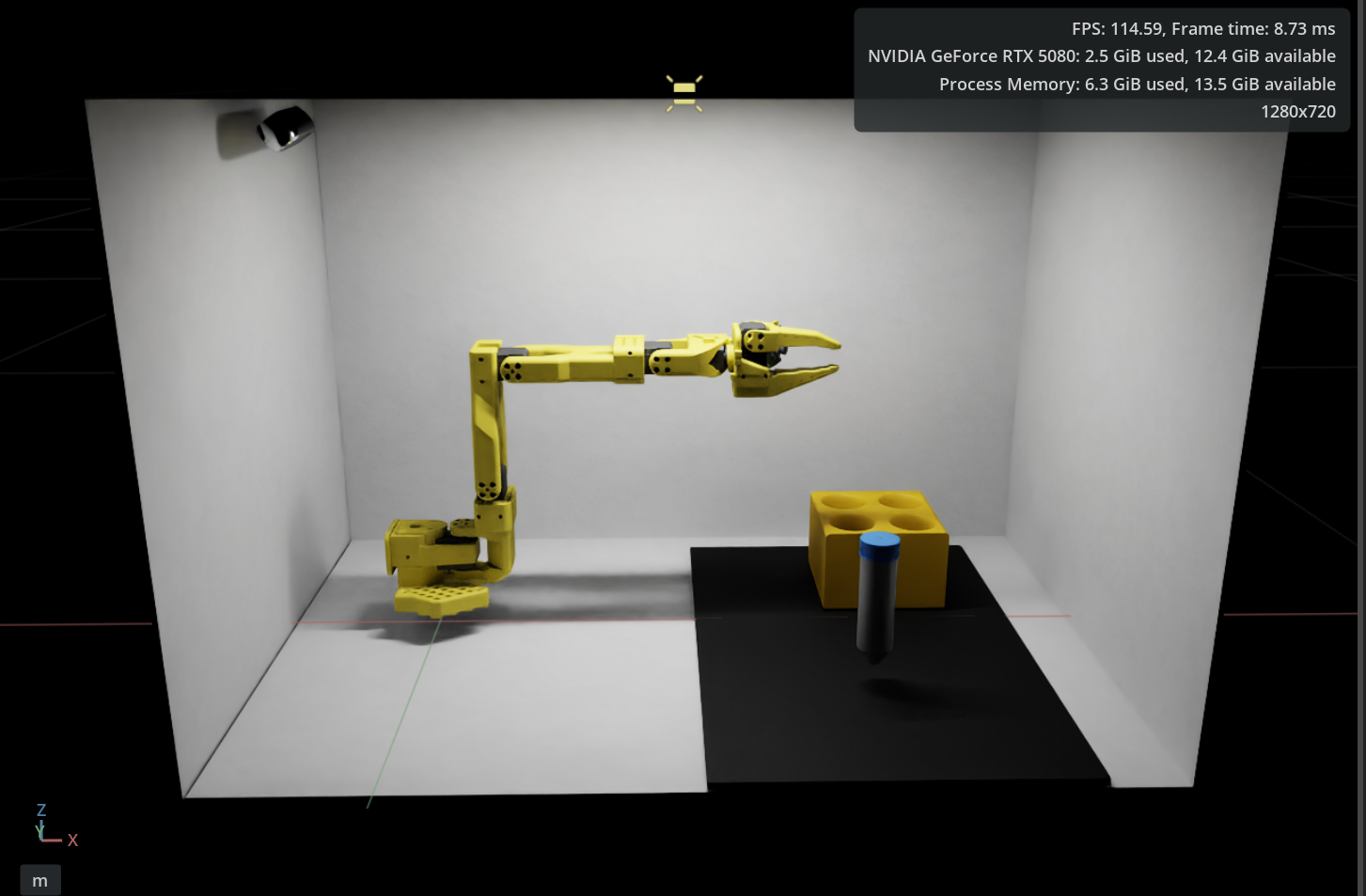
I will now be exploring how to train and move the arm, without being able to follow the steps of the tutorial as commands and controls that are in the tutorial will no longer work with my version of isaac sim.
Approx. Working hours
- 15.5 hours